


Recover & Protect your Stolen WhatsApp Account
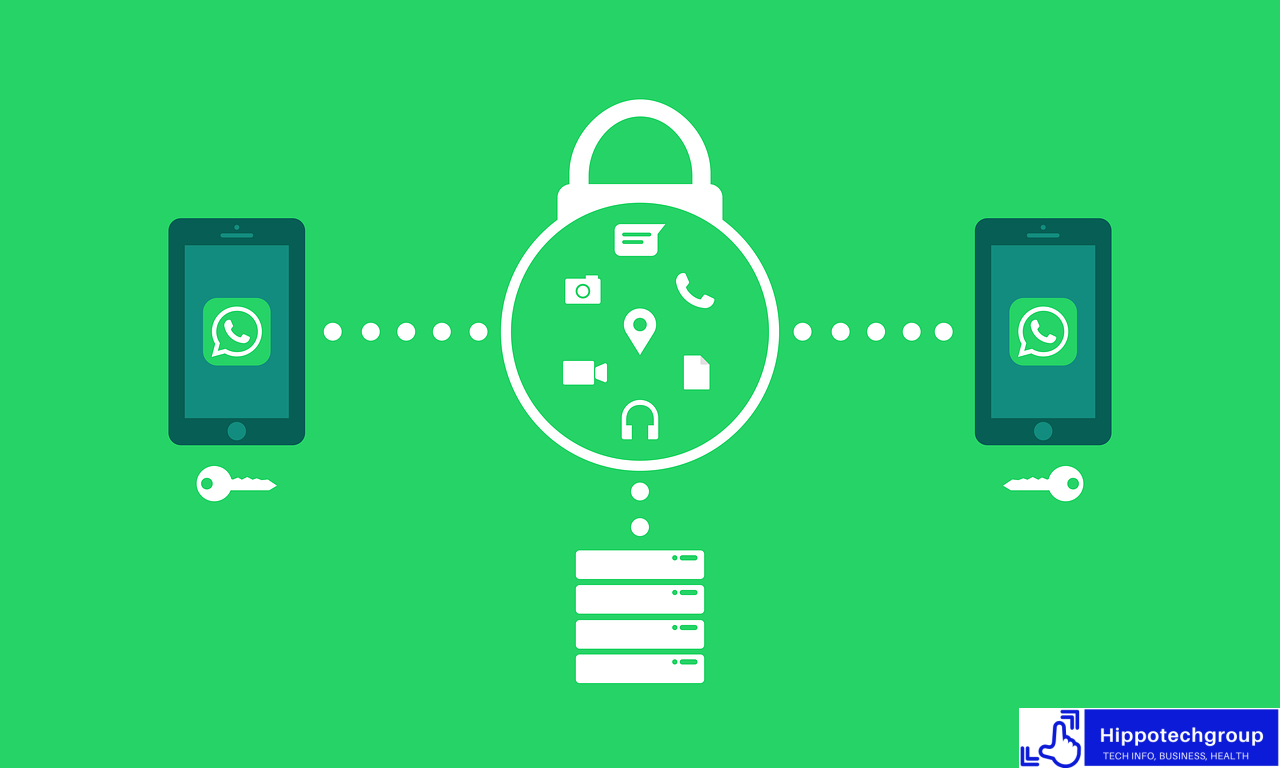
WhatsApp, which is owned by Facebook, is the most popular messaging app in the world, with over 2 billion users. Its popularity has also given room to scammers and fraudsters to spread misinformation, as well as try to steal accounts of s users.
This attempt to steal users accounts is becoming rampant. It is ubiquitous with users whose phones have been stolen or missing.
How Do Fraudsters Steal WhatsApp Accounts
The scammers in an attempt to gain access to WhatsApp users accounts, try to lay their hands on the six-digit verification code. The six-digit verification code is an OTP used by WhatsApp to sign-in to an account. Giving your verification code to someone will result in your account being hacked.
How to recover a stolen or hacked WhatsApp Account
In order to recover your stolen WhatsApp account, you can sign-in one more time with your phone number as long as you have your sim card in your phone. A six-digit verification code will be sent to your phone via SMS that WhatsApp reads and signs you in automatically. Once you are signed-in, the fraudster will be automatically kicked off your account.
Furthermore, in a situation were the fraudster had activated two-step verification, after WhatsApp has granted you access to your account, you will be requested to enter the two-step verification code.
In this situation, don’t panic, you will have to wait for seven days to recover your account. Note that, while you wait for your account recovery, the fraudster will no longer have access to your account. This is because the other user was kicked out of your account once you entered the 6-digit SMS code.
What is a Two-step Verification
This is an additional layer of security that acts like a password for WhatsApp account. It saves your account from being compromised even if someone gets their hands on your SIM card or verification code.
How to Protect Your WhatsApp Account.
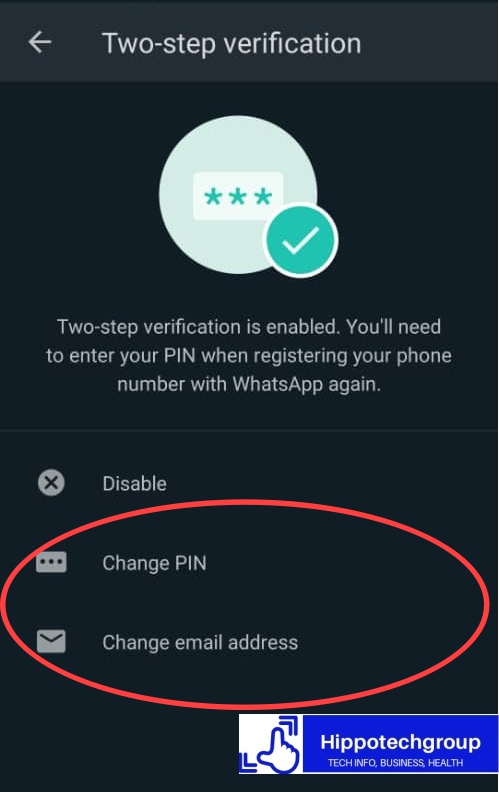
To protect and save your WhatsApp account from scams, apply the following steps:
- Go to settings
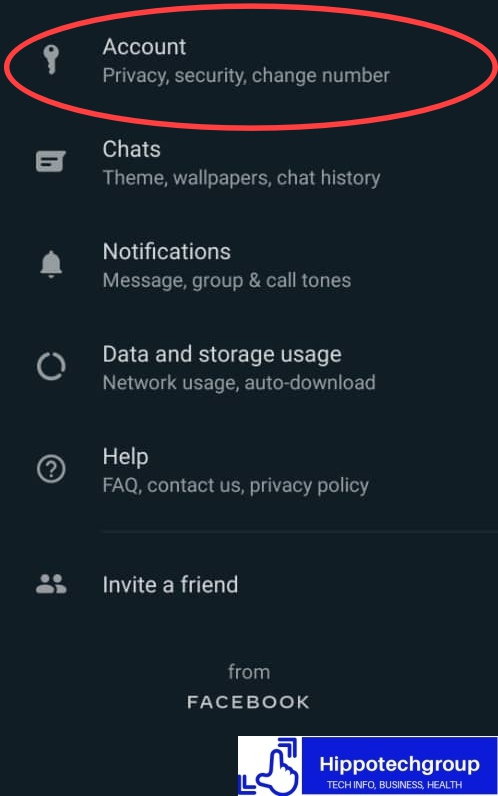
- Select Account(Privacy, Security, Change number)
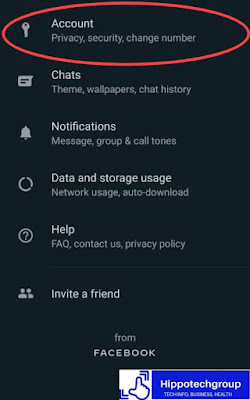
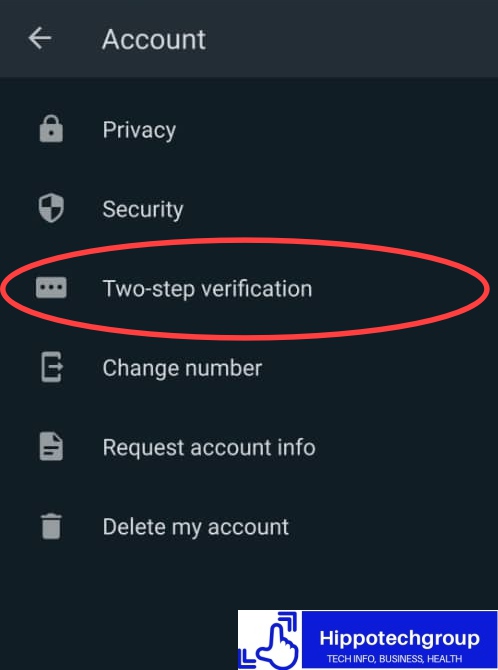
- Select Two-step verification.

- Input a Pin and also an email address.

For more information on things you need to stop doing on WhatsApp click here.